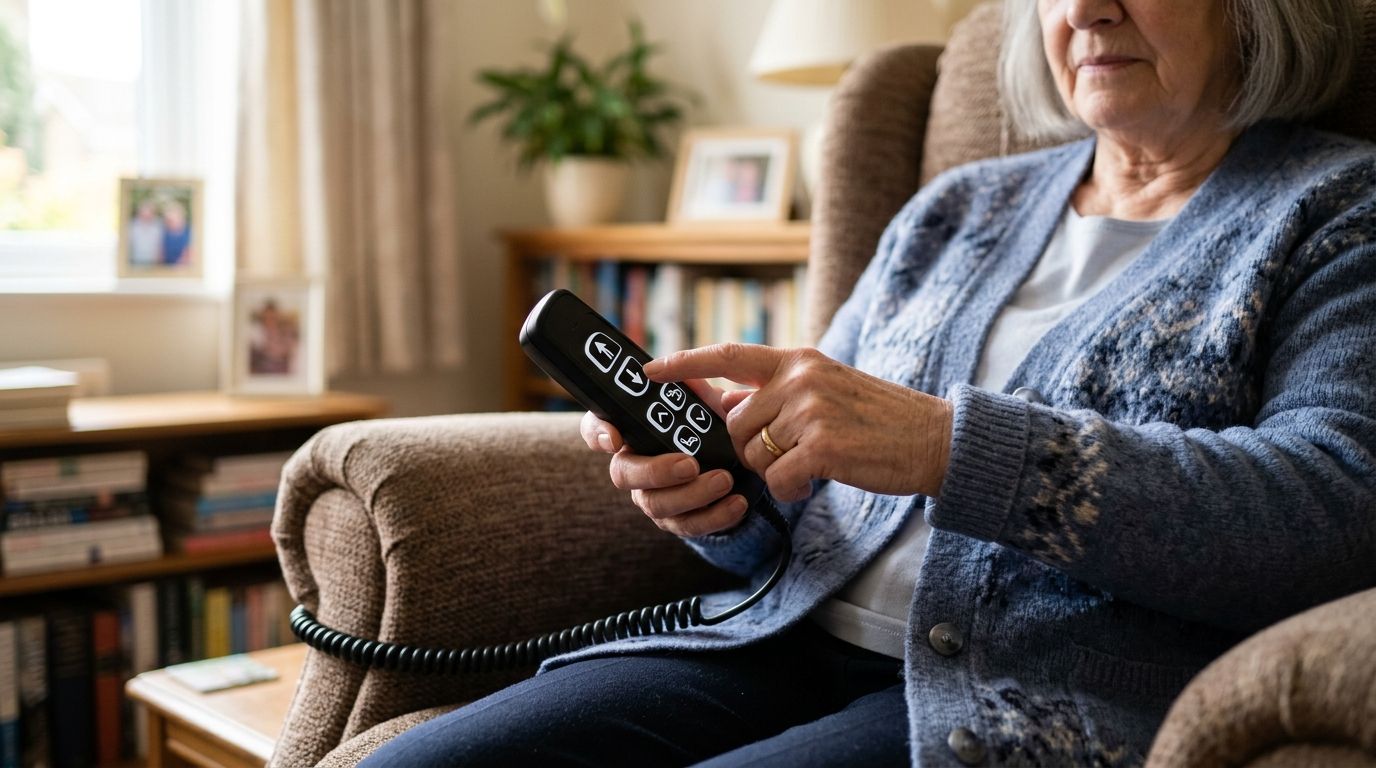
Every button on a lift chair remote has a job, and the shape tells you what it is before you ever press it. Arrows move the chair up or down, a house or bed icon resets the position, and flame or wave icons turn on heat and massage. Once you match the icon to the function, the confusing part of owning a lift chair disappears in 2026.
- Lift chair remote control symbols follow a near-universal pattern: arrows for lift/recline, a house icon for reset, flame for heat, wave for massage.
- Dual-motor chairs like the GrandNest Lift Chair add separate headrest and lumbar icons for independent adjustment.
- A locked or unresponsive remote almost always means a battery, power cord, or child-lock issue, not a broken motor.
- Memory buttons (M1/M2) save a preset recline angle so caregivers don't have to reteach the remote every time.
- Verdict: match the icon set to your chair's motor count before assuming a remote is broken or missing buttons.
Why this matters
A lift chair remote looks simple until someone unfamiliar with it, a visiting grandchild, a new home health aide, a spouse taking over care duties, picks it up and can't find the button that lowers the footrest. That mix-up is one of the most common questions lift chair owners bring up in 2026: not how do I use my chair, but what does this icon actually do.
Symbol confusion gets worse on chairs with more than one motor. A single-motor lift chair has one job: recline. A dual-motor chair, like the models covered in Edward Creation's guide to dual-motor recliners for independent leg and back control, separates headrest and lumbar movement onto their own buttons, which roughly doubles the icon count on the remote. Reading the icons correctly means fewer accidental fully-flat positions and less frustration for aging users and their caregivers.
What do the symbols on a lift chair remote mean?
Most power lift recliners sold in 2026, across brands, use a similar icon vocabulary. Match the shape on your remote to the function below:
| Symbol | Typical shape | What it does |
|---|---|---|
| Up arrow | Solid triangle pointing up | Reclines the backrest and raises the footrest |
| Down arrow | Solid triangle pointing down | Raises the backrest and lowers the footrest, returning you to sitting |
| House or bed icon | Small house or flat rectangle | Sends the chair to a preset flat or upright position in one press |
| Flame icon | Wavy flame shape | Turns the heating pad in the backrest on or off |
| Wave icon | Three stacked zig-zag lines | Turns the massage motor on, sometimes with a second button for intensity |
| Headrest icon | Head-and-neck silhouette | Moves the headrest independently (dual-motor and tri-motor chairs only) |
| Lock icon | Padlock | Locks the remote so it can't be bumped or used by children |
| M1 / M2 | Letter-number pair | Saves or recalls a preset recline angle |
Arrows: lift and recline control
The up and down arrows are the only buttons every lift chair remote has, and they do double duty. Pressing up reclines the backrest while lifting the footrest; releasing the button stops the motor wherever you are, since holding it down is how most 2026 models work. Letting go the moment you're comfortable protects the motor from running past its stop point.
House or bed icon: the reset button
A house-shaped or bed-shaped icon is the fastest way to get a lift chair back to a known position, whether that's fully upright for standing up or fully reclined for sleeping. One press moves the chair through its full range without you holding a button down the whole way. This icon matters most in a household set up for a loved one with dementia, where fewer buttons to remember means fewer stuck-mid-recline moments.
Flame and wave icons: heat and massage
The flame icon controls a heating pad built into the backrest, and the wave or zig-zag icon controls the massage motor. Chairs covered in Edward Creation's guide to zero-gravity power recliners with heat and massage usually place these two icons together near the center of the remote. Heat and massage functions typically run on an automatic timer to prevent the pad or motor from overheating, so check your chair's manual for how long a single session lasts.
Headrest and lumbar icons: independent motor control
Dual-motor and tri-motor lift chairs add separate icons for the headrest and lumbar support, letting you adjust neck angle without moving the footrest. The GrandNest Lift Chair, a 500 lb-capacity dual-motor model, uses this exact layout: two extra buttons beyond the standard arrows, one for headrest and one for lumbar movement. Three-motor chairs add a third pair for even finer positioning, though most households never touch that third set.
Lock icon and memory buttons
A padlock icon locks the remote so a curious grandchild or a rolling pet can't shift the chair by accident; press and hold it again to unlock. Memory buttons, usually labeled M1 and M2, save a specific recline angle so you or a caregiver can return to it with one press instead of re-adjusting every time.
Why remote layouts vary
- Motor count: single-motor chairs use two buttons; dual-motor and tri-motor chairs add two to four more for headrest and lumbar control.
- Wired vs. wireless remotes: corded remotes plug directly into the chair's control box, while wireless remotes run on batteries and can lose their pairing.
- OEM vs. universal remotes: a replacement remote from a different brand may map buttons to different icons than the original.
- Accessibility features: some remotes use larger buttons and raised icons for users with arthritis or low vision.
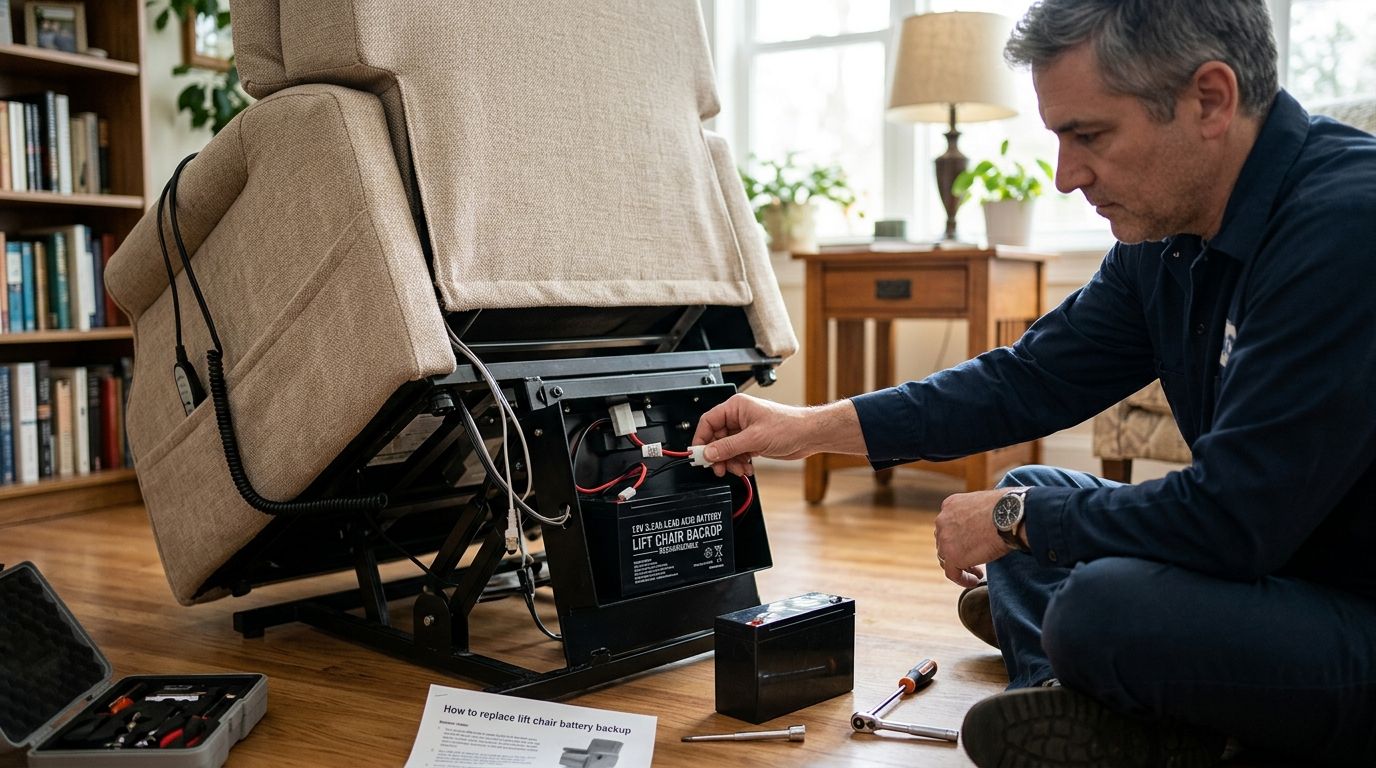
- Battery backup: chairs wired to an uninterruptible power supply add a battery or power icon showing charge status during an outage.
- Preset complexity: chairs with memory buttons pack more icons onto a smaller remote than a basic two-button model.


Related questions
What does the house icon mean on a lift chair remote?
The house icon sends the chair to a preset position, usually fully reclined or fully upright, with a single press instead of holding a button through the whole range. It works the same way on most power lift recliners sold in 2026, though the icon sometimes appears as a flat bed shape instead of a house.
Why won't my lift chair remote work?
A lift chair remote that won't respond almost always points to a power issue, not a broken motor: check that the AC adapter is fully seated, that a wireless remote's batteries aren't dead, and that the lock icon hasn't been pressed accidentally. If the chair runs on a battery backup for outages, a drained backup can also stop the remote from responding until it recharges.
Can I replace a lost lift chair remote?
Yes, most power lift recliner remotes can be replaced with a compatible remote from the chair's manufacturer, and OEM replacements map buttons to the same icons as the original. A universal remote works too, but expect to relearn which button does what, since icon placement isn't standardized industry-wide.
FAQ
What do the arrows mean on a lift chair remote?
The up arrow reclines the backrest and raises the footrest, and the down arrow reverses that, raising the backrest and lowering the footrest back to a seated position. These two buttons exist on every power lift recliner remote regardless of motor count.
What does the flame icon do on a lift chair remote?
The flame icon turns on the heating pad built into the backrest, and pressing it again turns the heat off. It typically runs on an automatic timer to prevent the pad from overheating.
Is a dual-motor lift chair remote harder to use than a single-motor one?
A dual-motor lift chair remote has two to four more buttons than a single-motor remote, mainly for independent headrest and lumbar control, but the added icons follow the same visual pattern of arrows, flame, and wave symbols.
How do I lock a lift chair remote for a child or pet?
Press and hold the padlock icon until the remote stops responding to other buttons, then repeat the same press to unlock it. This feature is standard on 2026 remotes across most brands.
What does M1 or M2 mean on a lift chair remote?
M1 and M2 are memory buttons that save a specific recline angle so you can return to it with one press instead of readjusting the chair each time. Not every lift chair remote includes memory buttons, so check the model's control layout before assuming it does.
Can I use a universal remote on any lift chair?
A universal remote can operate the basic up and down arrow functions on most power lift recliners, but it may not map correctly to heat, massage, or headrest buttons on chairs with non-standard wiring. Checking compatibility against the chair's model number before buying a universal remote avoids mismatched icons.
Why does my lift chair remote have a house icon instead of arrows?
A house icon is a one-press reset button that sends the chair to a full preset position, while arrow buttons move the chair gradually and require holding them down. Many remotes in 2026 include both: arrows for fine control and a house icon for a quick reset.
One last thing
The most overlooked symbol on a lift chair remote isn't heat or massage, it's the lock icon, and skipping it is the top reason remotes end up stuck mid-recline when a grandchild or pet gets to them first. Lock the remote whenever the chair isn't in active use, especially in a household set up for a family member who can't easily reach a call button, and every other icon stays exactly where you left it.